This class was all about revising Illustrator and Photoshop- the editing applications we learnt in the 1st semester.
It was a quick recap we did
- Tints – are when we mix white with other colours the colours it makes are called as tints.
- Shades – colours obtained after mixing black .
- Tones – colours obtained after mixing with greys.
- RGB- are additive colours. They are primary pigmented colours.
- CMYK- are subtractive colours.
- Adobe illustrator is a vector software
- Adobe photoshop is a raster software.
- Flat colours are in 3 types- gradient, blends, mesh
We then learnt the types of blends :
- Colour blend:
- Gradient blend
- Shape blends
- Node blends
- Text blends
- Blends on custom paths
- Opacity blends
Post that we learnt how to make brushes on illustrator:
- Scatter brush
- Art brush
- Pattern brush.
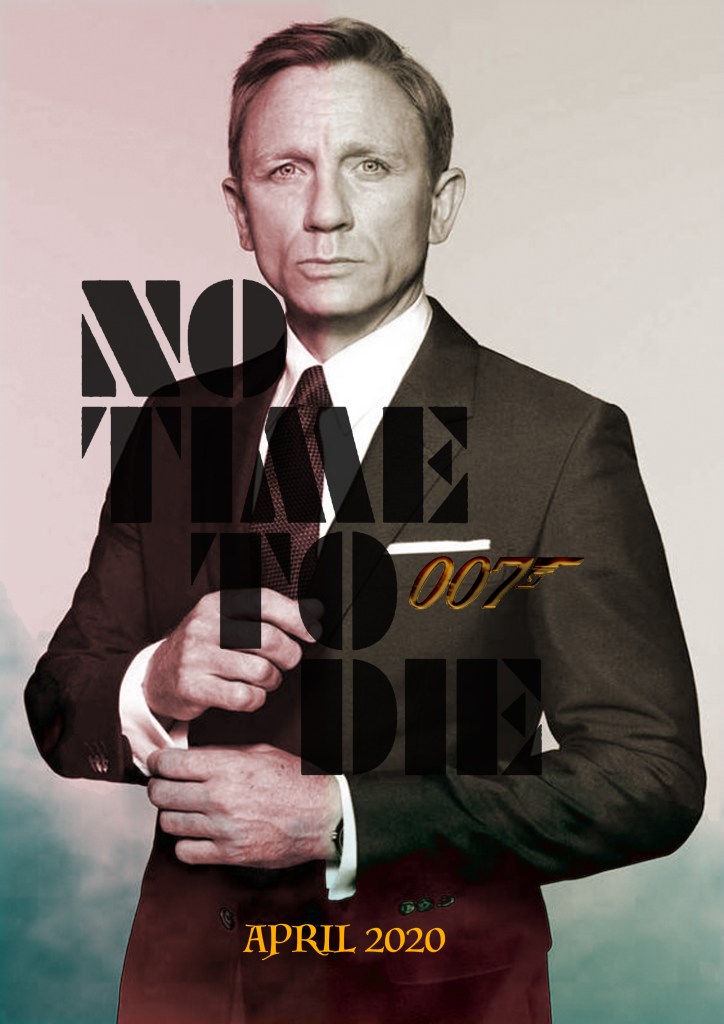
The session was a revision class and doubt solving session for Illustrator and Photoshop. Also using both the apps we had to make a movie poster.
 Rishi Juneja's Blog