Adobe Illustrator was introduced. Learned about the difference between an Adobe Illustrator and Photoshop.
Adobe Photoshop is a software used for manipulating pictures. The pictures are made up of pixels.
Adobe illustrator is vector software used in illustrations and publications.
Learned the tools in Illustrator.
Like:
- Selection Tool: Used for selecting any object and dragging it around the artboard. It can also increase/decrease the size of the image. For uniform increasing/decreasing of the object , click shift and then drag it around for uniform results.
- Direct Selection tool: Used for editing individual paths and anchor points.
- Magic Wand Tool: Used for selecting images with the same features.
- Pen tool: Used for drawing a line or a curve in the artboard. Can be used to trace images.
- Adding/Deleting Anchor Points
- Curvature Tool: Used to create curves in a line.
- Pathfinder Tool: Used for combining objects and creating new shapes.
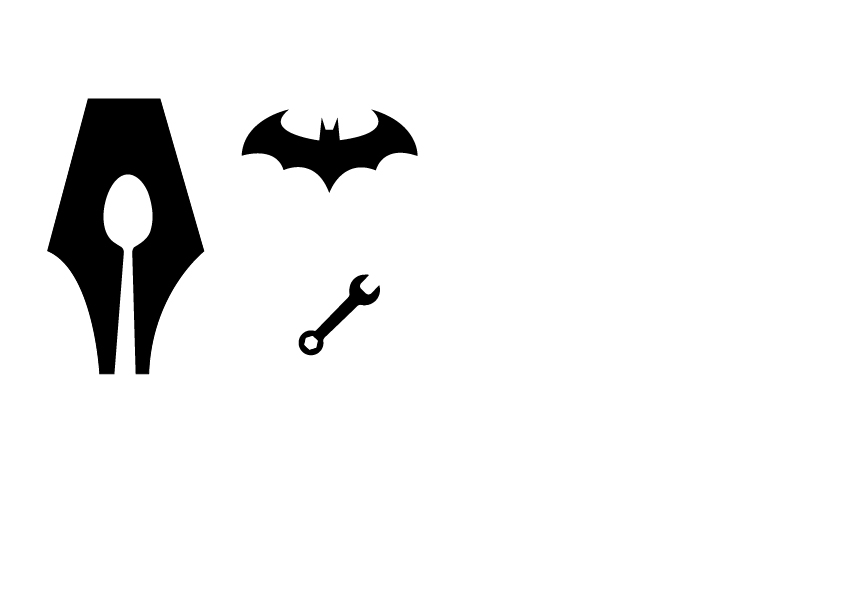
Made 2 logos and a spanner using the tools of illustrator
 Rishi Juneja's Blog